MAKE YOURSELF AT HOME
Create a project. Gather your guild.
Register for free, choose a simple team board or an approval workflow, and name your project. Add your teammates now, or invite them later from the Guild.

Your first few minutes in Taskshire.
Register for free, choose a simple team board or an approval workflow, and name your project. Add your teammates now, or invite them later from the Guild.
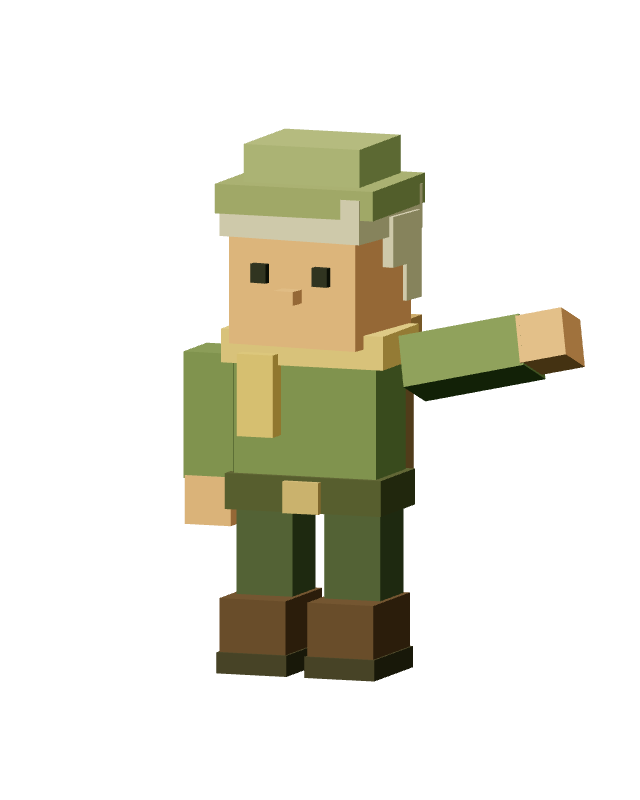
Pip introduces your town. Use WASD, arrow keys, or Q and E to move. Hold Shift to run. Drag to look around, and press F at a doorway to enter.
Create a task, assign a teammate and move it through your board. Town Hall shows assignments and reviews; Calendar Tower brings upcoming deadlines into view. Delivered tasks earn the assignee 50 XP.
Scroll out to a bird’s-eye view. Press G for quick travel. Pick Normal view from the View menu for the dashboard. Take a break and your avatar rests by the tavern fire, ready to return when you are.
Free to use. Nothing to install.
Start your adventure